Your Mac,
anywhere.
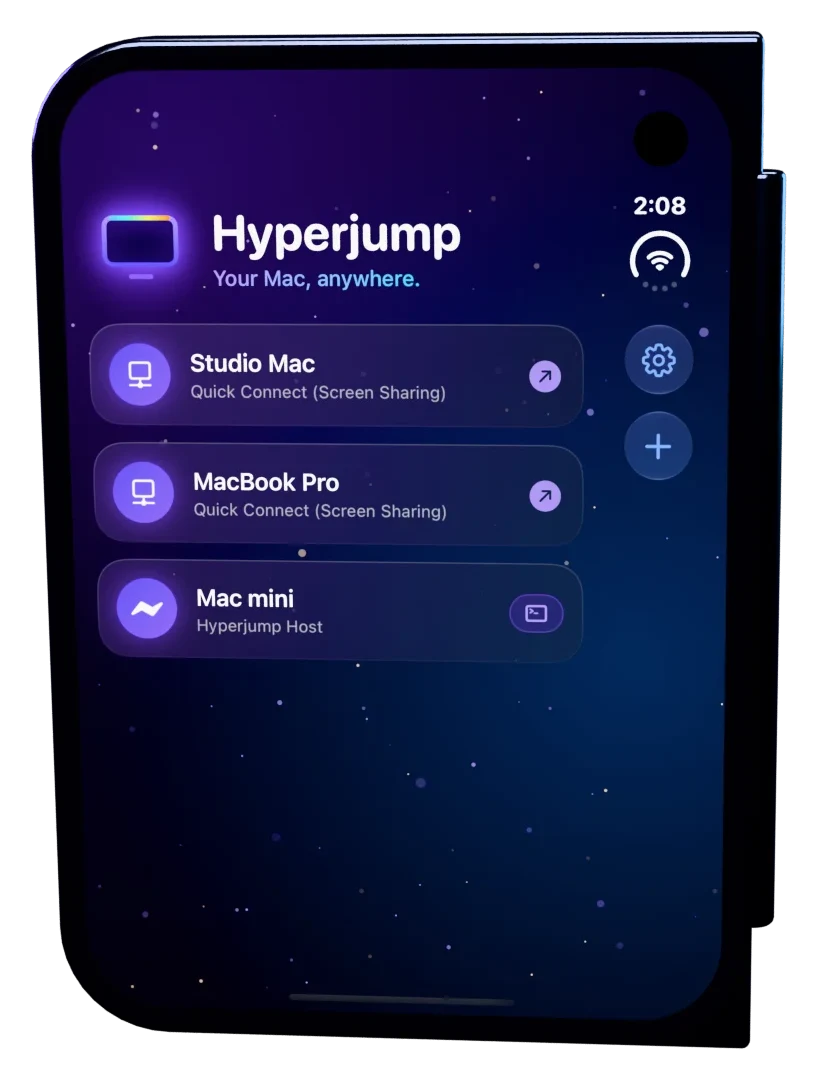
Hyperjump puts your whole Mac on your iPhone, iPad or iPhone Duo. Direct, encrypted, no account.
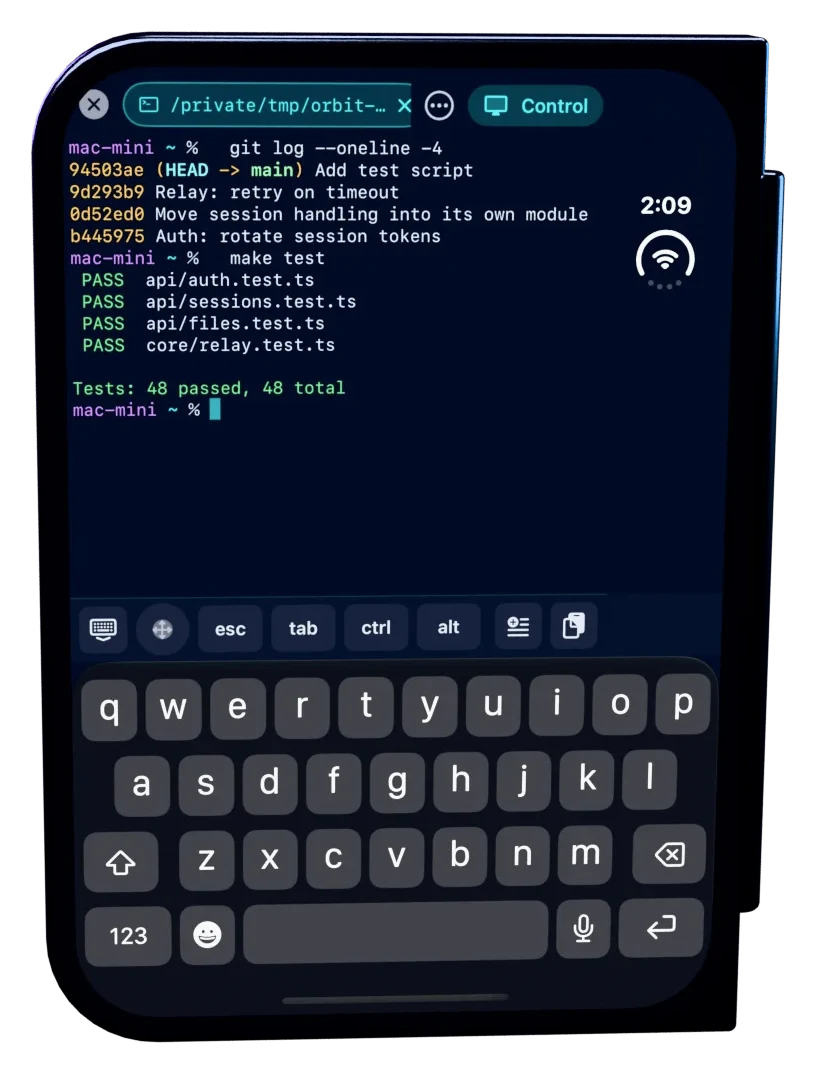
Folded
It starts in
your pocket.
Open Hyperjump on the outer screen and tap your Mac. You're on it.
Pinch to zoom
Your agent asks.
You answer.
Zoom right in on your Mac and approve your AI coding agent's next step, without opening the phone.
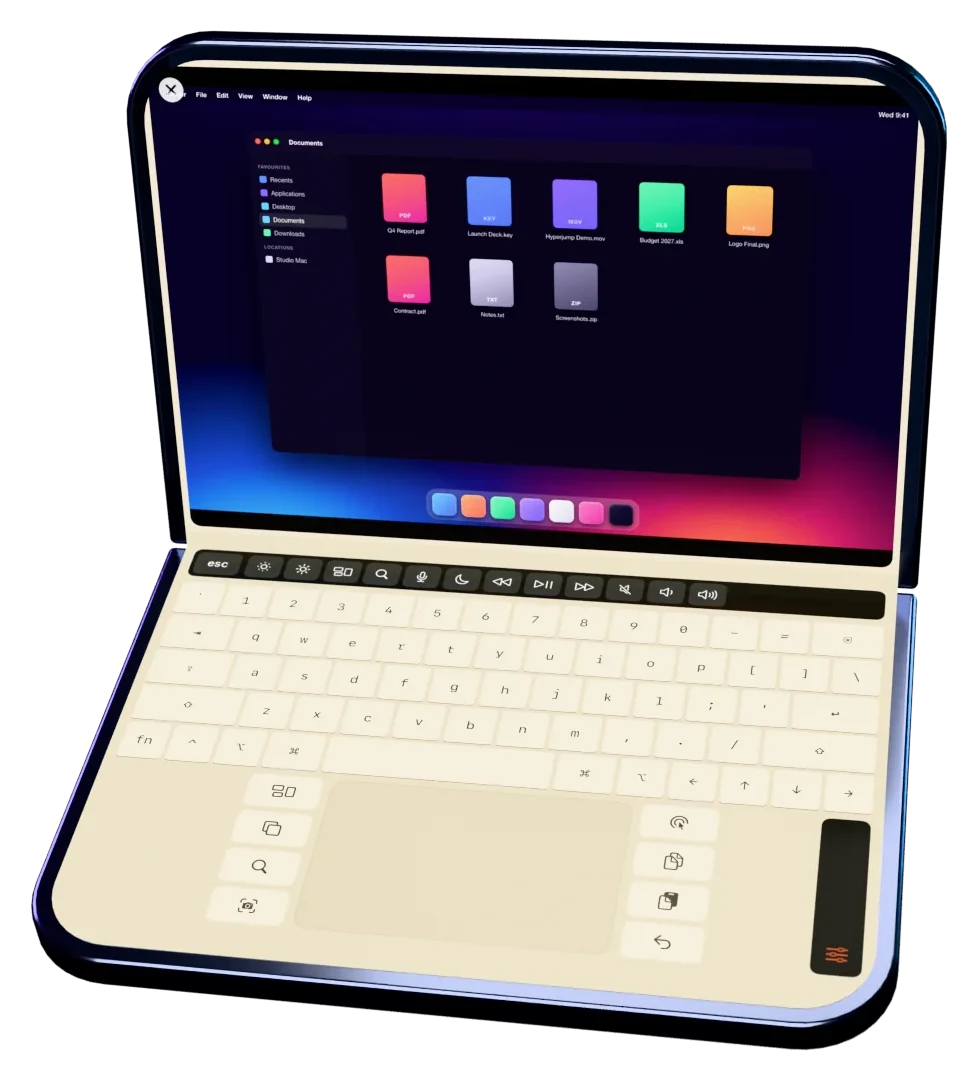
Half open
Unfold it.
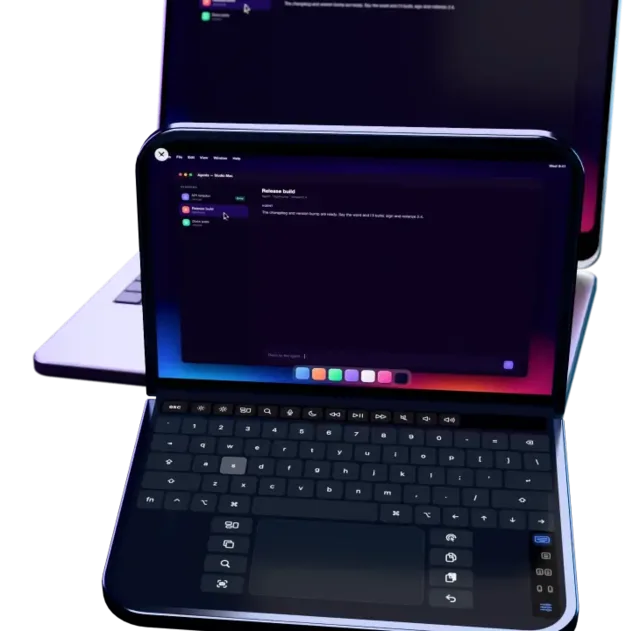
It's a laptop.
Your Mac's screen on top, a full keyboard and trackpad below. Hop to another agent session with the trackpad.
![iPhone Duo half open with a Mac desktop above its keyboard and trackpad.]()
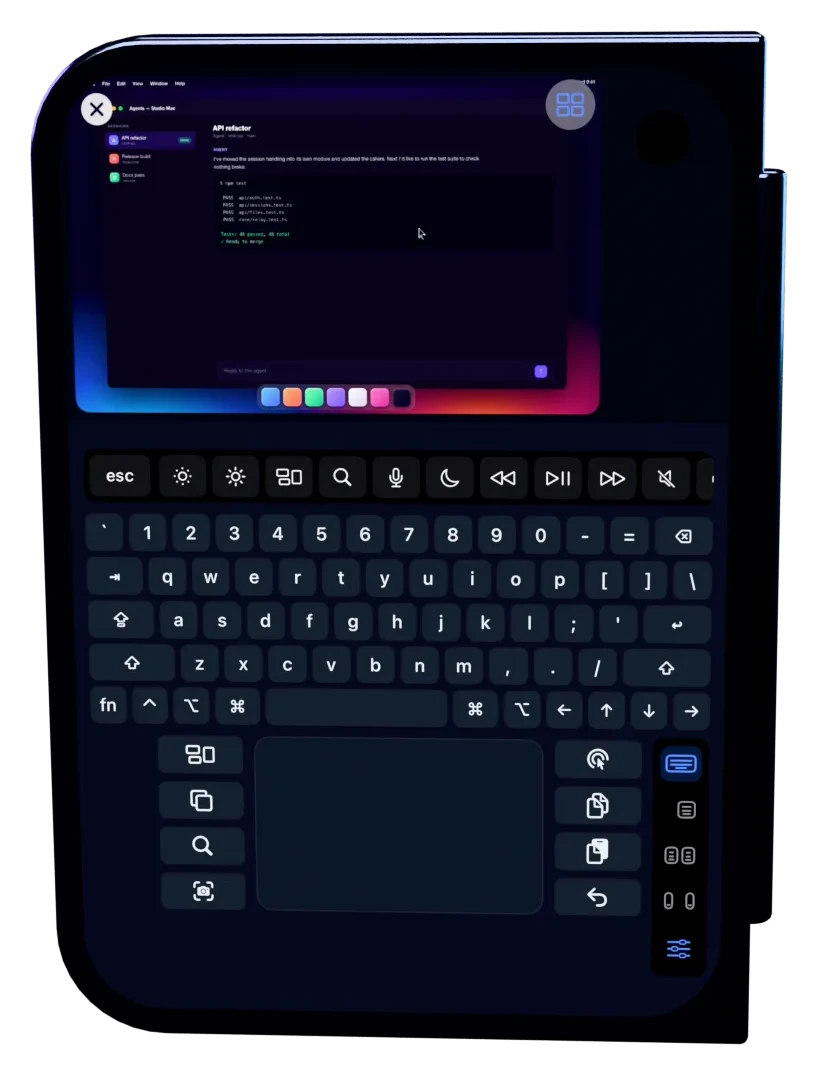
Keyboard and trackpad
Type it.
Ship it.
- A real Mac keyboardEvery key, sticky modifiers, word suggestions and F1–F12 on the Touch Bar.
- Your gesturesScroll, pinch and swipe the way your Mac's own trackpad is set up.
Open flat
All screen.
All Mac.
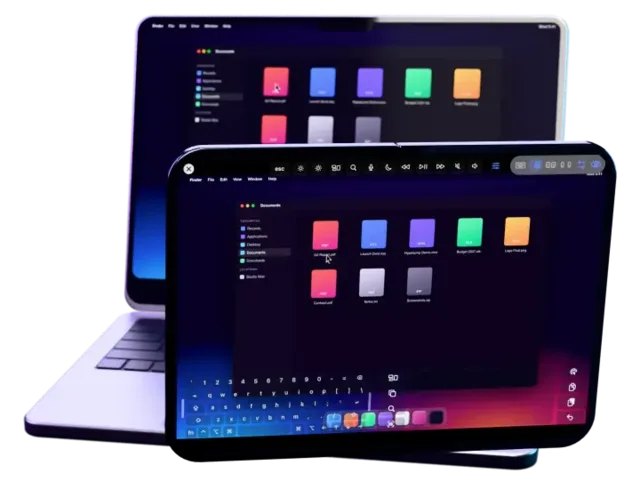
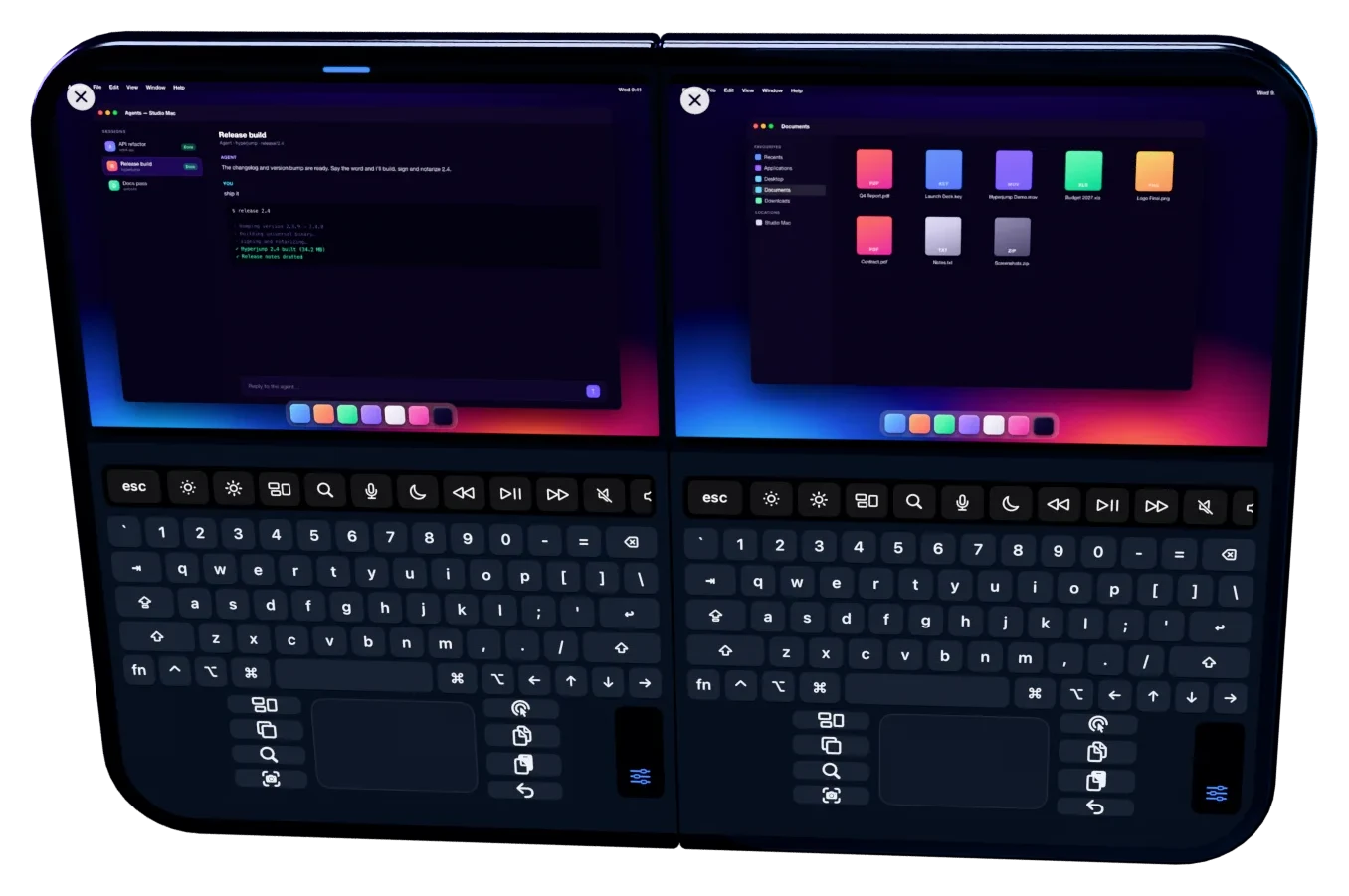
Open it all the way and your Mac fills the display, with a see-through keyboard and trackpad on top. Jump to Finder from the Dock.
![iPhone Duo open flat with Finder filling both halves of the display.]()
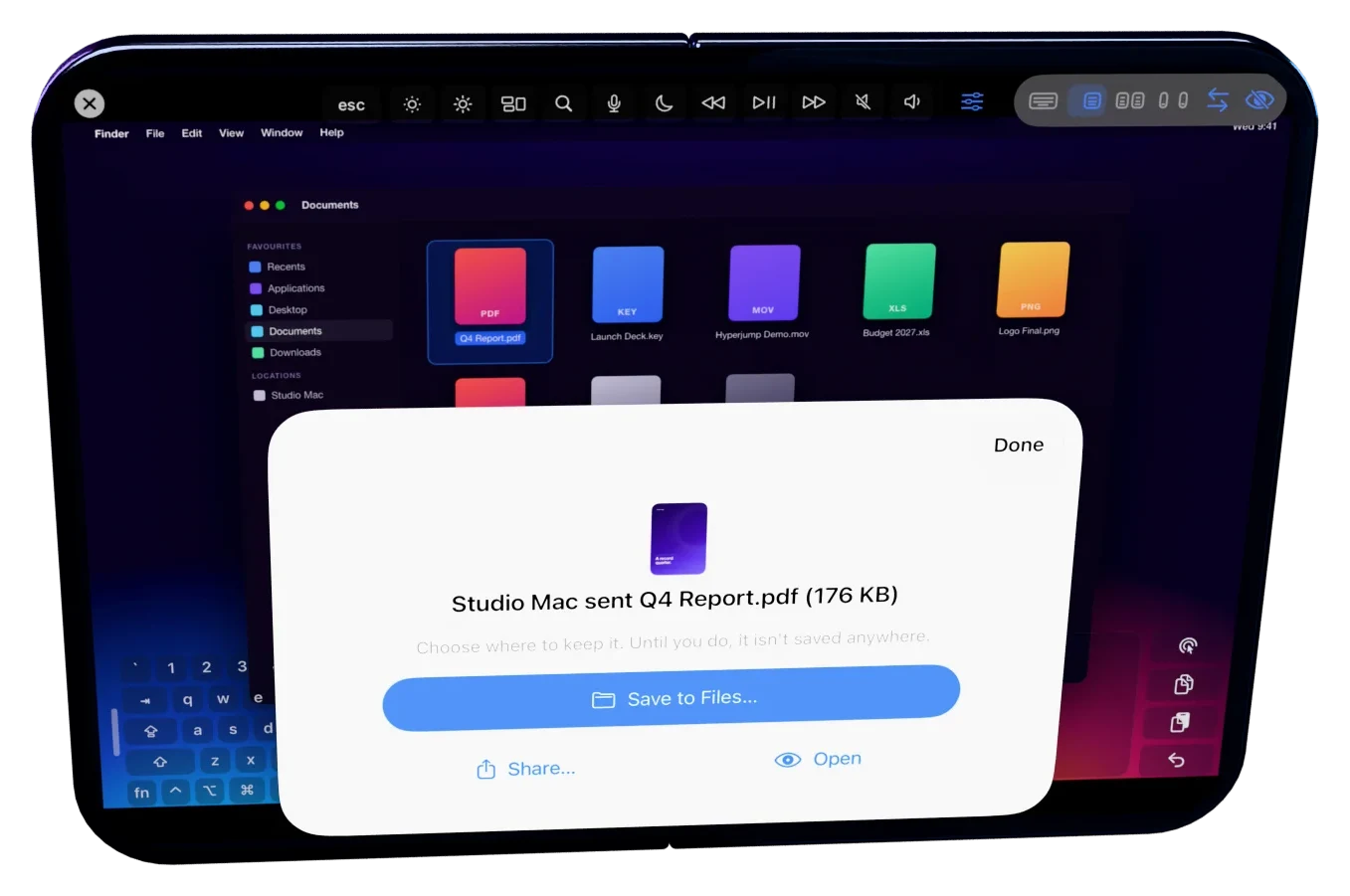
Send to iPhone
Right-click.
It jumps to you.
Right-click any file on your Mac, like this PDF: Quick Actions › Send to iPhone (Hyperjump).
On your phone
It lands in
your pocket.
Your phone asks where to keep it. Or just open it and start reading.
Hyperjump Network
All your machines.
One private network.
- Direct and encryptedYour devices connect straight to each other. No account, no Hyperjump server in between.
- Your own lighthousesYour always-on machines help the others find each other. No rented server.